

Download 360 Total Security Essential – Free Antivirus Protection for Windows & Mac
360 Total Security Essential delivers robust, multi-engine antivirus protection in a lightweight, user-friendly package. Designed for users who want reliable security without the clutter of extra tools, this free software leverages five powerful antivirus engines—including 360 Cloud Engine, Avira, Bitdefender, CVMII, and others—to detect and block threats efficiently. Whether you're browsing the web, downloading files, or gaming, 360 Total Security Essential runs quietly in the background, ensuring your device stays safe from malware, ransomware, spyware, and phishing attempts. With a clean interface, minimal system impact, and optional browser protection, it's an ideal choice for both beginners and experienced users seeking a no-frills, secure antivirus solution.
Key Features of 360 Total Security Essential
360 Total Security Essential stands out in the crowded antivirus market by focusing on what matters most: protection. Unlike bloated security suites that come with dozens of unnecessary tools, this streamlined version strips everything down to core antivirus functionality. The software integrates five independent antivirus engines—360 Cloud Engine, Avira, Bitdefender, CVMII, and more—working in tandem to provide deep, multi-layered threat detection. This multi-engine approach significantly reduces the chance of false negatives, ensuring that even emerging threats are caught early.
One of the most impressive aspects is how efficiently it operates. Scans are fast, thanks to optimized algorithms and cloud-based intelligence. The software intelligently schedules scans during idle times, minimizing disruptions to your workflow. If a threat requires a system restart to remove, the app proactively alerts you—giving you time to save your work and plan accordingly. This thoughtful design prevents unexpected system interruptions.
Another notable feature is the optional browser extension, which provides real-time warnings when visiting potentially malicious websites. While modern browsers already offer similar protection, this adds an extra layer for users who want maximum caution. However, it’s completely optional, so you can disable it if you prefer a lighter browsing experience. The interface is clean and intuitive, with tooltips explaining every function, making it accessible even for non-tech-savvy users. Overall, 360 Total Security Essential delivers a powerful, secure, and hassle-free experience without overwhelming you with features.
Installation & Usage: Simple and Secure
Installing 360 Total Security Essential is a breeze, whether you're using Windows or Mac. Start by visiting the official website and downloading the installer. The file is small and downloads quickly, ensuring you’re not stuck waiting. Once downloaded, simply run the installer and follow the on-screen prompts. The setup process is straightforward—no complicated configurations or bundled third-party software, which is a major plus for a free antivirus.
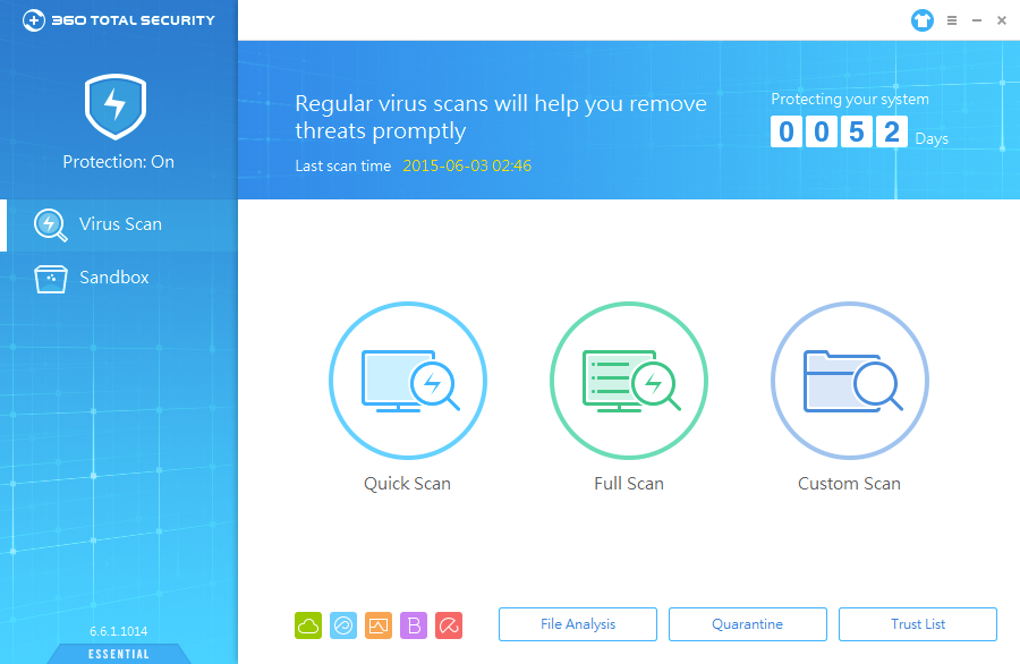
After installation, the software launches automatically and begins a quick initial scan. This scan checks your system for any existing threats and provides a detailed report. You can schedule full scans, quick scans, or custom scans based on your needs. The dashboard clearly shows your protection status, scan history, and real-time threat detection. For users who prefer automation, the software supports automatic updates, ensuring your virus definitions are always current.
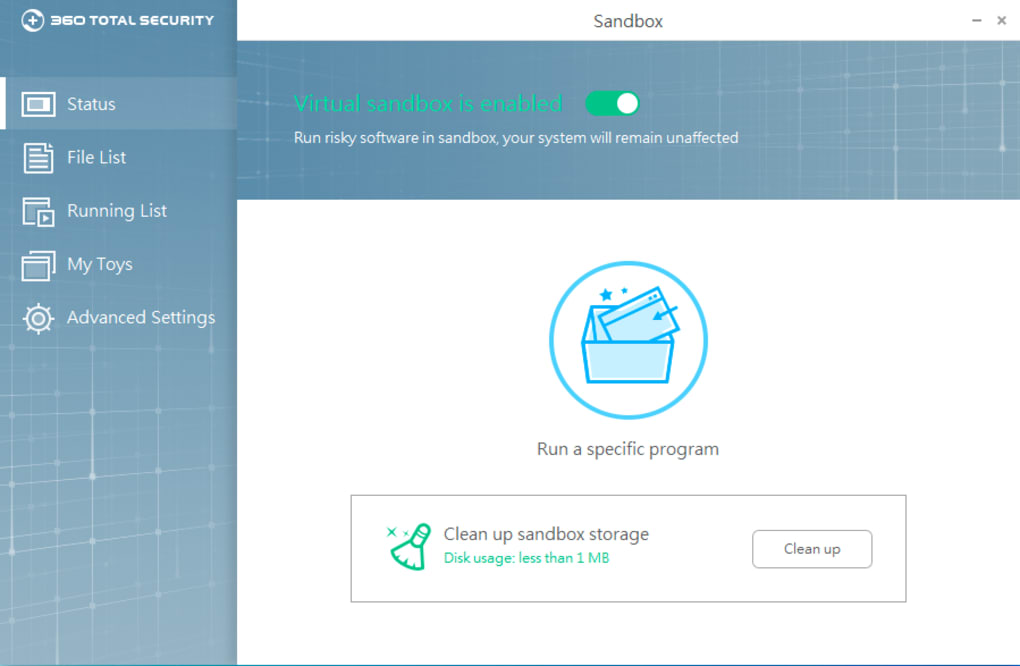
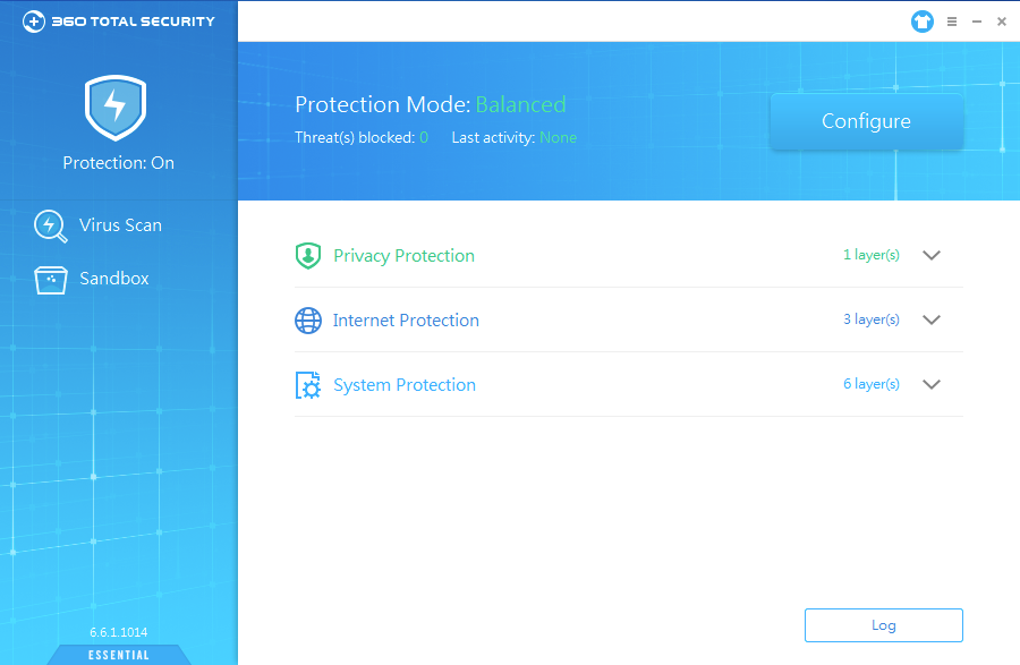
Using the software is intuitive. The main interface is divided into clear sections: Protection, Scan, Settings, and Help. Clicking on any section reveals a concise explanation of its function. You can customize settings such as scan schedules, notification preferences, and engine selection. For example, while Avira and Bitdefender engines are disabled by default to save RAM, you can enable them manually if you want enhanced detection at the cost of slightly higher memory usage.
For advanced users, the settings menu allows deeper customization, such as excluding specific folders from scans or adjusting real-time protection levels. However, the default settings are well-tuned for most users, making it ideal for those who want a set-and-forget security solution. With minimal user input required and automatic background protection, 360 Total Security Essential truly delivers a seamless experience.
Compatibility & System Requirements
360 Total Security Essential is designed to run smoothly across a wide range of devices. It supports Windows 7, 8, 10, and 11 (both 32-bit and 64-bit versions), as well as macOS 10.14 and later. This broad compatibility ensures that both older and newer systems can benefit from its protection. The software is lightweight, consuming minimal CPU and RAM during operation—typically less than 50 MB of memory usage under normal conditions.
It’s also compatible with Android and iOS devices, though the mobile versions are separate apps with slightly different feature sets. The desktop version is optimized for performance, making it suitable for low-end laptops, budget PCs, and even older machines that struggle with heavier security software. Its low resource footprint means you won’t notice slowdowns while browsing, gaming, or working on large files.
Security updates are delivered automatically, ensuring your protection stays up to date without manual intervention. The software checks for updates every few hours and downloads them in the background. This is crucial for defending against zero-day threats and newly discovered malware. Additionally, the app supports multiple languages, including English, Chinese, Spanish, German, and French, making it accessible to a global audience.
Pros and Cons of 360 Total Security Essential
- Pros:
- Five powerful antivirus engines for enhanced threat detection
- Lightweight and fast—minimal impact on system performance
- Free to download and use with no hidden costs
- Simple, intuitive interface suitable for beginners
- Automatic updates and real-time protection
- Optional browser extension for added web safety
- Clear warnings for restart-required threats
- Cons:
- Occasional false positives with certain game EXE files
- Avira and Bitdefender engines disabled by default (may confuse some users)
- Limited features compared to full 360 Total Security suite
- Browser extension may feel redundant for users with modern browsers
- No built-in firewall or advanced threat hunting tools
Frequently Asked Questions (FAQ)
- Is 360 Total Security Essential really free?
-
Yes, 360 Total Security Essential is completely free to download and use. There are no premium tiers or hidden charges. The core antivirus protection is available at no cost, making it an excellent choice for users seeking reliable security without spending money.
- Can I use 360 Total Security Essential on Mac and Windows?
-
Yes, the software is available for both Windows 7 through 11 and macOS 10.14 and later. The installation process is straightforward on both platforms, and the interface is consistent across systems.
- Does it slow down my computer?
-
No, 360 Total Security Essential is designed to be lightweight. It uses minimal CPU and RAM, even during scans. Most users report no noticeable performance impact, making it ideal for older or low-spec devices.
- Why are Avira and Bitdefender engines disabled by default?
-
These engines are resource-intensive. Disabling them by default helps reduce RAM usage and improve system performance. You can enable them manually in the settings if you want maximum protection, though this may slightly increase system load.
- What should I do if it flags a legitimate file as malicious?
-
If a trusted file (like a game or application) is flagged, you can submit it to 360’s cloud database for review. Alternatively, you can temporarily exclude it from scans in the settings. Always verify the file’s source before making exceptions.
Conclusion: A Smart Choice for Reliable, Lightweight Protection
If you're searching for a secure, free antivirus that doesn’t slow down your system, 360 Total Security Essential is a top contender. It combines the power of five antivirus engines with a minimalist design, offering robust protection without the clutter. Whether you're using a Windows PC or a Mac, this software delivers fast scans, real-time defense, and automatic updates—all without draining your resources.
While it lacks some advanced tools found in full-featured security suites, its focus on core antivirus performance makes it ideal for users who want simplicity and reliability. The occasional false positive with game files is minor compared to the overall protection it provides.
Download 360 Total Security Essential today and take control of your digital safety with a trusted, lightweight, and free antivirus tool. Protect your device, your data, and your peace of mind—no strings attached.
TechSafe Review Team 2024-04-05 A streamlined, effective antivirus that delivers on its promise. Lightweight, fast, and free—ideal for users who value security without the bloat. 4.6 5






